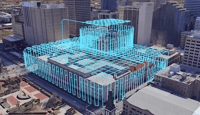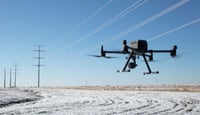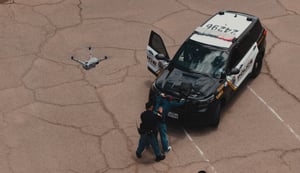

Since its release, DJI Dock 3 has been actively deployed across multiple industries, supporting real-world operations in challenging environments. As winter approaches, colder temperatures, strong winds, and reduced visibility can significantly affect flight performance and operational safety.
To help operators maintain stable, reliable, and safe winter operations, this guide summarizes seven essential safety considerations for using DJI Dock 3 in cold-weather conditions.
Important reminder: Always comply with local drone laws and regulations. If any abnormal conditions are detected, do not force a flight. Contact an authorized DJI dealer or DJI After-Sales Support for assistance.
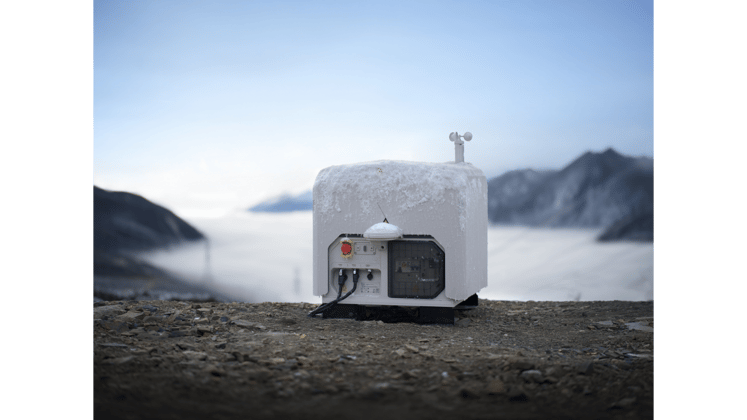
DJI Dock 3 Winter Operations Guide
1. Monitor weather conditions carefully
Avoid high-altitude missions during strong winds, heavy snowfall, or dense fog. Before every mission, confirm local weather conditions and enable “Prevent Flight Using Weather Forecast Data” in project settings. This helps reduce operational risk by grounding flights in unsuitable weather, including when wind speeds exceed the aircraft’s resistance rating.
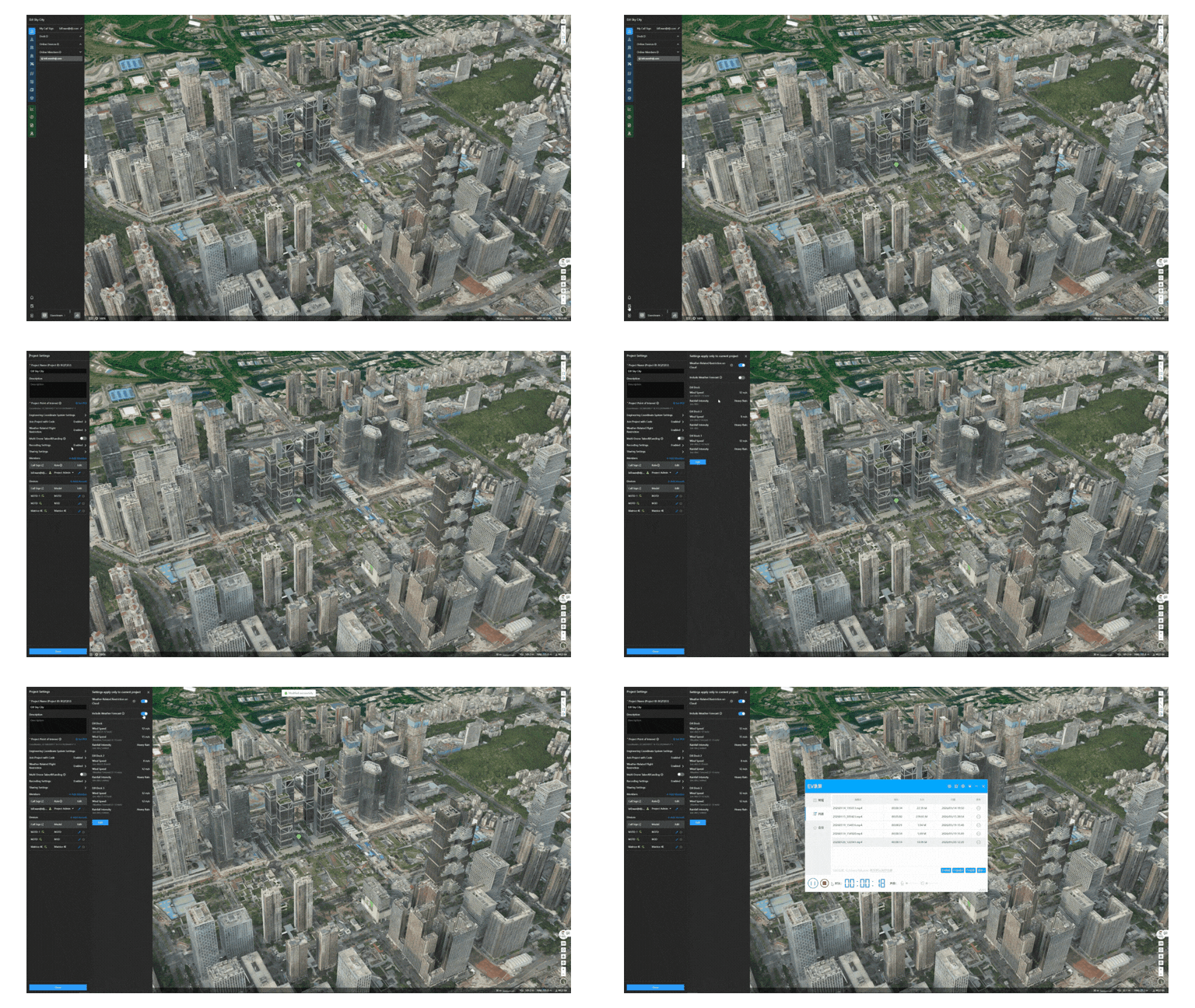
How to set weather-related flight restrictions on DJI Dock 3
2. Inspect propellers to reduce icing risk
DJI Matrice 4D series propellers feature a hydrophobic coating that helps reduce ice buildup in high-humidity environments below 5°C. Prolonged exposure to direct sunlight may cause fine cracks in the coating. While these cracks do not affect flight safety, they reduce anti-icing effectiveness.
- Regularly inspect propellers, especially before winter
- Replace propellers if coating cracks are visible
- Replace propellers after 450 total flights to reduce icing risk
3. Increase Return-to-Home Battery reserves
Cold temperatures reduce battery performance, while stronger winds at higher altitudes increase power consumption during return flights.
If the Return-to-Home altitude is set too high, the aircraft may encounter headwinds and risk running out of battery power before reaching the dock.
- Increase Return-to-Home battery reserve in windy regions
- Reduce Return-to-Home altitude where safe and compliant
- Use smooth, gentle flight modes during manual operation
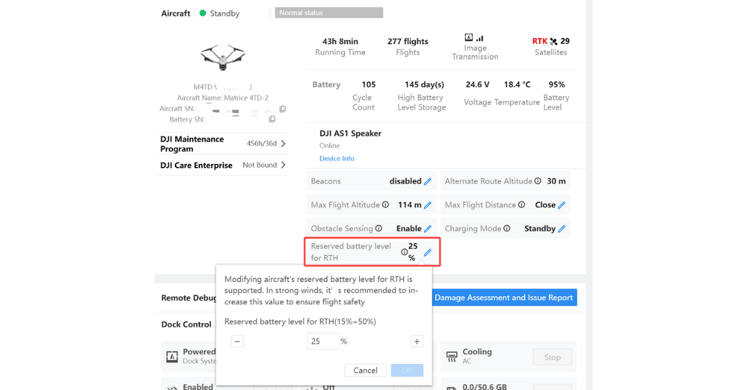
How to adjust the RTH reserved battery level
4. Follow night operation safety guidelines
Low ambient light at night limits visual positioning and obstacle avoidance capabilities, increasing collision risk.
- Continuously monitor surroundings for obstacles
- Ensure no structures exceed Return-to-Home or altitude limits
- Only execute previously verified flight routes
- Avoid validating new routes during nighttime operations
5. Check firmware every flight
Always confirm that the aircraft, dock, and accessories are running the latest firmware versions. Firmware updates improve flight control, system stability, and address known safety issues, making them a critical layer of operational protection.
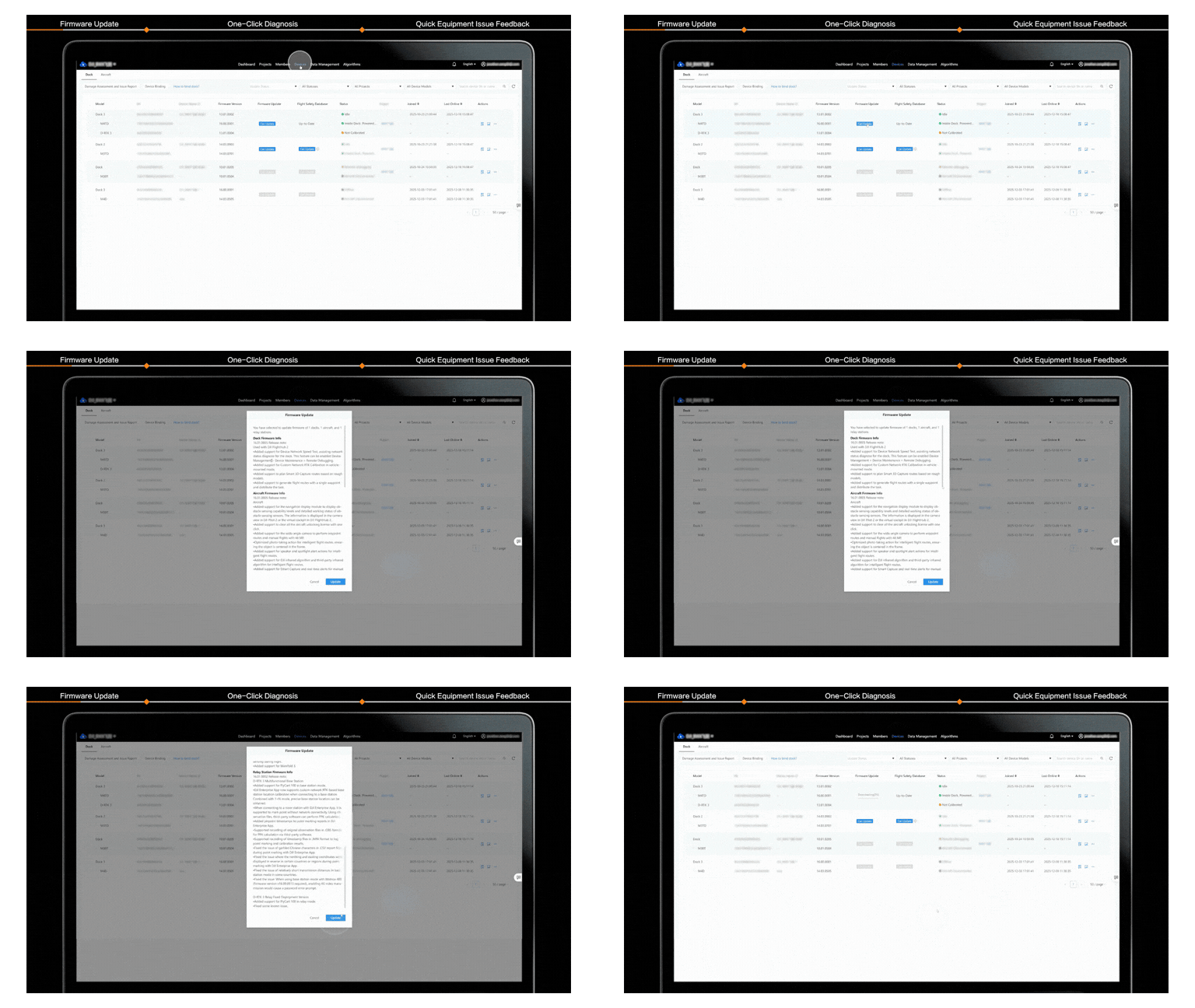
How to check for and install DJI Dock 3 firmware updates
6. Inspect battery health proactively
Regularly check battery health indicators and physical condition.
Replace batteries immediately if Health Management Systems (HMS) warnings, swelling, cracks, or external damage are detected. Batteries with low cycle counts provide stronger output and reduce winter-related risks.
7. Secure all accessories and payloads
Before operations, confirm that accessories such as obstacle-avoidance radar, speaker modules, and spotlights are properly connected and firmly secured.
- Tighten screws using the included hex wrench until slight tool deformation is visible
- Mark screws and housing with paint or marker to detect loosening
- Contact DJI After-Sales Support if accessories are not recognized
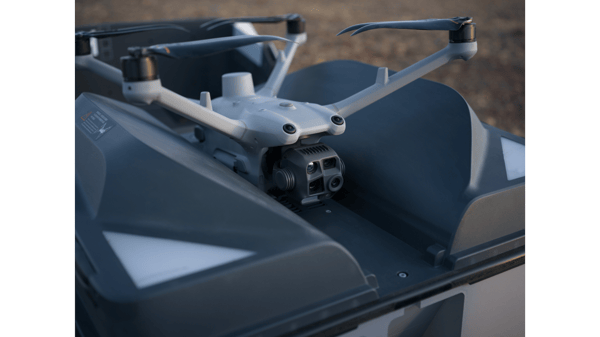
Matrice 4TD close up
Prepare DJI Dock 3 for safe winter operations
By following these seven winter operation safety tips, operators can fine-tune DJI Dock 3 for improved cold-weather performance, enhanced safety, and operational reliability.
We recommend saving and sharing this guide to support safe and successful winter missions.